The browser environment is often the largest source of avoidable latency in an AI agent run. Browser Use's fast-agent template sorts speed optimizations into exactly three categories—Fast LLM Models, Browser Optimizations, and Agent Optimizations—showing that the execution environment is a first-class variable, not an afterthought. Reuse the browser context, compile skills once, and replay deterministically to skip full page reloads and repeated reasoning on every run.
Key takeaways
- Browser context reuse and deterministic replay remove redundant page loads and LLM calls.
- Headless browsers reduce overhead but can fail where sites require real logins or human interaction.
- Set memory, CPU, and network limits per agent, not per fleet.
- Parallel execution requires isolated contexts and scheduled guardrails to prevent collisions.
- Measure navigation, script execution, and LLM usage separately before optimizing.
How does browser architecture shape AI agent execution speed?
A browser is never a blank runtime. Opening a tab starts renderer, GPU, and network processes. For an AI agent, that means navigation and login can consume seconds before the model ever reads the DOM. Reusing a persistent browser context, compiling skills once, and replaying them without LLM calls removes that setup tax. Browser Use's fast-agent template treats Browser Optimizations as a peer to model selection, not a footnote.
A persistent context keeps cookies, local storage, and session state alive across runs, so the agent does not re-authenticate or re-render the same login flow. That matters most on sites with bot detection, multi-factor authentication, or complex single-sign-on flows, where a fresh headless instance may be challenged or blocked. In those cases, a real logged-in browser—headed, with a durable profile—outperforms ephemeral headless even if it uses more RAM.
The trade-off is control. A headed browser demands human-in-the-loop authorization for sensitive accounts; never automate credential entry into a third-party site without explicit user consent. For read-only tasks like public documentation scraping, an ephemeral headless context is fine. For anything stateful, persist the context.
How do I measure latency in AI browser automation?
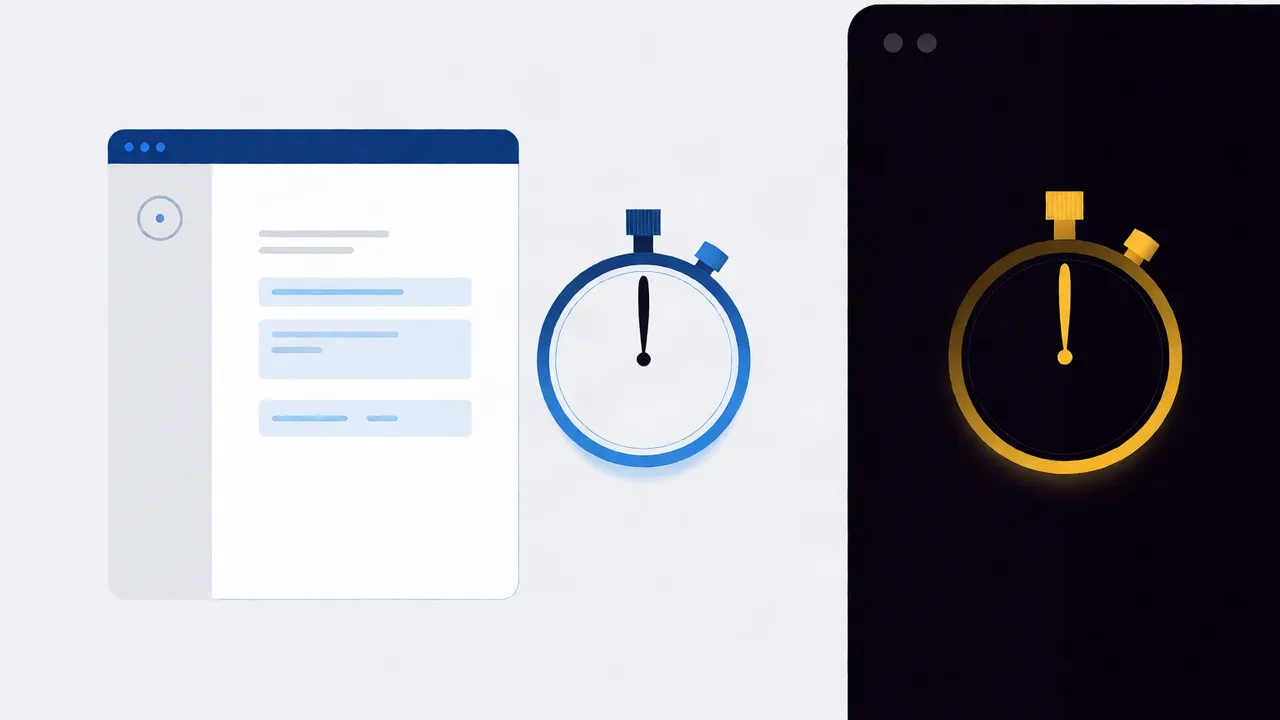
Agent latency is the sum of context launch, page load, skill execution, and LLM inference. Measuring only the model call misses the browser tax. Break each run into stages and time them separately: context startup, navigation, DOM interaction, replay, and teardown. Without per-stage numbers you optimize the wrong layer.
Use browser-native timing APIs for navigation and paint events, and wrap agent actions in timestamps that record when a skill starts and ends. Compare a cold start—new context, full page load, live LLM reasoning—against a replay of a compiled skill, which should make zero LLM calls and execute recorded DOM steps directly. The gap between those two numbers is your optimization ceiling.
If replay is not faster, the bottleneck is usually in the skill definition, not the browser. Too many steps, unnecessary waits, or re-querying elements that rarely change will dominate runtime regardless of how fast the browser launches.
What is the best memory management strategy for AI agents?
Browser agents hold DOM trees, screenshots, and conversation state in memory. A long-running agent that never releases contexts grows until the host throttles or kills it. Set a memory ceiling per agent, recycle contexts after each task, and avoid storing full page snapshots in working memory. Replay compiled skills instead of re-rendering pages.
In practice, this means capping the number of open tabs per agent, clearing image and script caches between tasks, and limiting how much page HTML the agent passes to the model. Large DOM trees inflate token usage and slow down every reasoning step. Extract only the elements the skill needs, then release the rest.
If an agent must keep state across sessions, store it in a lightweight structured record rather than keeping the browser context alive indefinitely. Deterministic replay lets you reconstruct the needed page state from a skill without holding the whole browser in memory.
How do I lower CPU utilization in browser agents?
CPU spikes in browser agents come from continuous polling, heavy JavaScript on the page, and running vision or DOM parsing on every frame. Limit polling to state changes, run visual checks only when needed, and move deterministic steps into compiled skills. Headless mode cuts GPU work but does not eliminate JavaScript execution cost.
Avoid setInterval loops that re-scan the page every few hundred milliseconds. Instead, listen for specific DOM mutations or network responses that signal the state the agent actually needs. When visual verification is required, capture a screenshot at decision points rather than streaming frames.
Compiled skills help here too. A skill that clicks "Submit" and waits for a confirmation element runs as a sequence of browser instructions; it does not ask the model to interpret the page at each step. That removes repeated inference cycles and the CPU cost of running the model's vision encoder over the same screenshot multiple times.
Where does network overhead hide in AI automation?
Network overhead includes DNS, TLS handshakes, page assets, XHR requests, and messages between the agent and its control plane. An agent that re-fetches pages or re-authenticates on every run pays this cost repeatedly. Persist cookies and session state, reuse connections, and batch control-plane signals. Cache static assets inside the browser context.
BrightData's 2026 guide to agentic browsers ranks ten browser options and notes that the right choice depends on whether the target site requires a real user session. For agents, that means session reuse is not just convenient—it is a network optimization. A warm context skips the TLS handshake and cookie consent flows that add round trips to every cold navigation.
Be careful with credential storage. Persisting a session cookie is acceptable when the user has authorized it; storing passwords in plain text to avoid re-login is not. Where sensitive actions are involved, require human-in-the-loop approval before the agent proceeds, and treat the browser context as a delegated session, not a permanent credential store.
How do I run parallel browser agents without collisions?
Parallel agents collide when they share the same profile, cookies, or display endpoint. Give each agent its own browser context, storage partition, and port. Queue high-contention actions—logins, checkouts, form submissions—so they do not hit the same domain at the same time. A control plane should route and throttle runs.
Isolation is the cheapest collision avoidance. If two agents share a cookie jar, one agent's logout can end the other's session. If they share a port, one slow run can block the whole fleet. Assign each agent a unique user-data directory and, where possible, a dedicated network namespace.
For orchestration across many agents, see how concurrent workflows are governed in Architecting for Scale: Concurrent AI Agent Workflows in Browser Environments. The same principles apply: isolate first, coordinate second, and never assume two agents can safely touch the same page simultaneously.
When should I optimize for speed versus resource usage?
Optimize for speed when user-facing latency or SLA deadlines matter, such as interactive browsing or real-time bidding. Optimize for resource usage when running large batches on fixed infrastructure, where cost per run matters more than wall-clock time. The same compiled skill can be replayed quickly or throttled, depending on the goal.
| Approach | Best for | Latency | Resource cost | Auth complexity |
|---|---|---|---|---|
| Headless ephemeral | One-off public page reads | High cold start | Low | Low |
| Headless persistent | Repeated reads, same site | Medium | Medium | Medium |
| Headed persistent | Stateful dashboards, forms | Medium-low | High | Medium |
| Real logged-in browser | Bot-protected, MFA sites | Low after warm-up | High | High, needs user consent |
Choose the headed or real-browser option only when the target site blocks headless automation or requires a live session. Otherwise, a persistent headless context with compiled skills usually gives the best speed-to-resource ratio. For sensitive logins, always route through human-in-the-loop authorization so the user, not the agent, holds the credentials.
What tools and metrics should I use to benchmark AI agent performance?
Benchmark with browser metrics and agent metrics. On the browser side, time context launch, navigation, and DOM interaction. On the agent side, track skill compile time, replay latency, LLM tokens per task, and error rate. Log every stage so a slow run can be attributed to the browser, the model, or the network.
Browser DevTools and the Performance API give you navigation timing and long-task traces. For agent-specific data, instrument the skill runner: record when a skill is compiled, when it is replayed, and how many LLM tokens each reasoning step consumes. If replay makes zero LLM calls but is still slow, the browser environment itself is the constraint—likely memory pressure or CPU contention from too many parallel contexts.
Pair these metrics with deterministic replay so you can reproduce a slow run exactly. If the same skill replays faster on a fresh context, the issue is state bloat; if it is slow everywhere, the skill itself needs fewer steps or better element selectors. For debugging individual runs, the debugging playbook for browser environments covers log collection and trace interpretation.
If you want to run deterministic browser agents without rebuilding the runtime, see how Twin Browser handles compiled skills and replay: Twin Browser
FAQ
Does a headless browser always run faster than a headed one?
Usually for cold page loads, yes, but headed browsers succeed where headless instances are challenged or blocked by site protections. Speed depends on whether the task requires a real user session.
How much memory should I allocate per agent?
There is no universal number. Set a hard cap based on host capacity, recycle contexts after each task, and monitor for growth rather than guessing a fixed allocation.
Can I replay a browser agent without calling the LLM?
Yes. When an interaction is compiled as a deterministic skill, replay executes the recorded browser steps directly and makes zero LLM calls.
How many agents can run in parallel?
It depends on host memory, CPU, and whether each agent has an isolated context and storage partition. Add agents until contention appears, then throttle the queue.
Where do I start optimizing?
Measure per-stage latency first. Then compile your most common interactions into deterministic skills, reuse browser contexts, and add per-agent resource limits before scaling parallelism.
Sources
Topics
AI agent performance optimization browser · browser environment impact AI agents · latency reduction AI browser automation · memory management AI agents · CPU utilization browser agents · network overhead AI automation · parallel execution browser agents · resource contention AI agents