An efficient AI agent skill is a compiled sequence of browser actions that replays deterministically without calling the LLM. Instead of asking the model to re-decide every click and input, the skill records structured interactions—selectors, navigation, out-of-band API calls—and executes them the same way every time. Replay becomes infrastructure cost, not inference cost.
Key takeaways
- Compile once, replay deterministically: zero LLM calls on replay.
- Structured browser actions beat free-form DOM manipulation for reliability.
- Cost per run drops because you pay for browser minutes, not tokens.
- Guardrails and user authorization belong at login and state-changing boundaries.
What defines an efficient AI agent skill?
An efficient skill is a deterministic unit of browser work. It compiles a sequence of actions once and replays them identically across runs. Efficiency means lower latency, predictable cost, and no LLM invocation during replay. The skill treats the browser as a state machine, not a chat interface.
This is the core of AI agent skill optimization: making the browser do the same thing twice without rethinking it. Microsoft Research describes this approach in SkillOpt, where agent skills are treated as trainable parameters that improve through repetition rather than being re-planned from scratch each time (Microsoft Research: SkillOpt – agent skills as trainable parameters). In practice, that means a skill is a bounded artifact: a name, a list of actions, and success criteria. If the skill changes, you version it. If the target page changes, you update the skill definition, not the agent's prompt.
The first time I tried this, I let the LLM generate each step dynamically. The agent succeeded in the demo and failed in production because a button moved ten pixels. Compiling the skill into fixed selectors ended that class of failure.
How does deterministic replay rely on structured interactions?
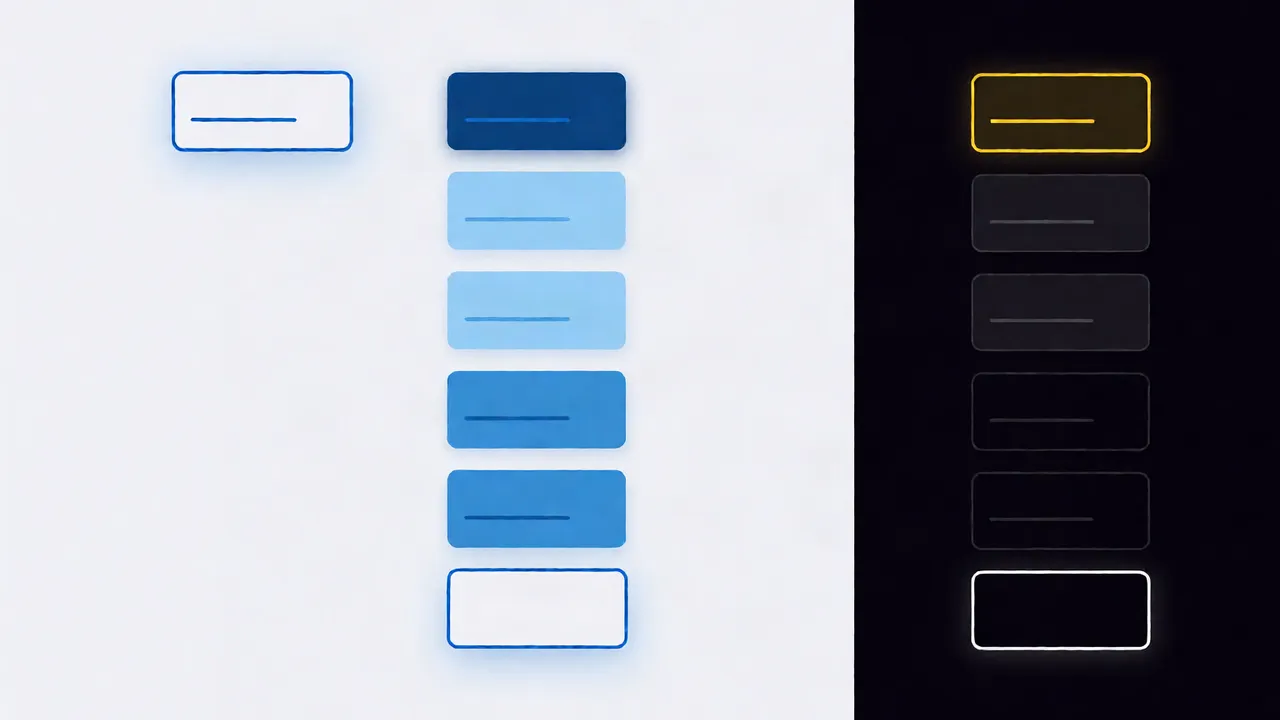
Deterministic replay works because every browser interaction is recorded as a structured action with explicit selectors, inputs, and expected outcomes. The replay engine executes these actions directly against the DOM or through browser APIs, bypassing the model entirely. If the recorded selector matches, the action succeeds; if not, it fails fast instead of hallucinating a new path.
Structured interactions also make failure modes visible. When a click fails, you know exactly which selector and which step failed. When an LLM generates the next step on the fly, a failure is just "the agent got stuck," and you have no replayable trace.
Red Hat's July 2026 guide on agent skill pitfalls notes that skills break when they assume the page will look the same on every visit (Building skills for AI agents: pitfalls and best practices). Structured interactions don't eliminate that risk, but they make the assumption explicit so you can guard against it.
API calls or direct DOM manipulation: which belongs in a skill?
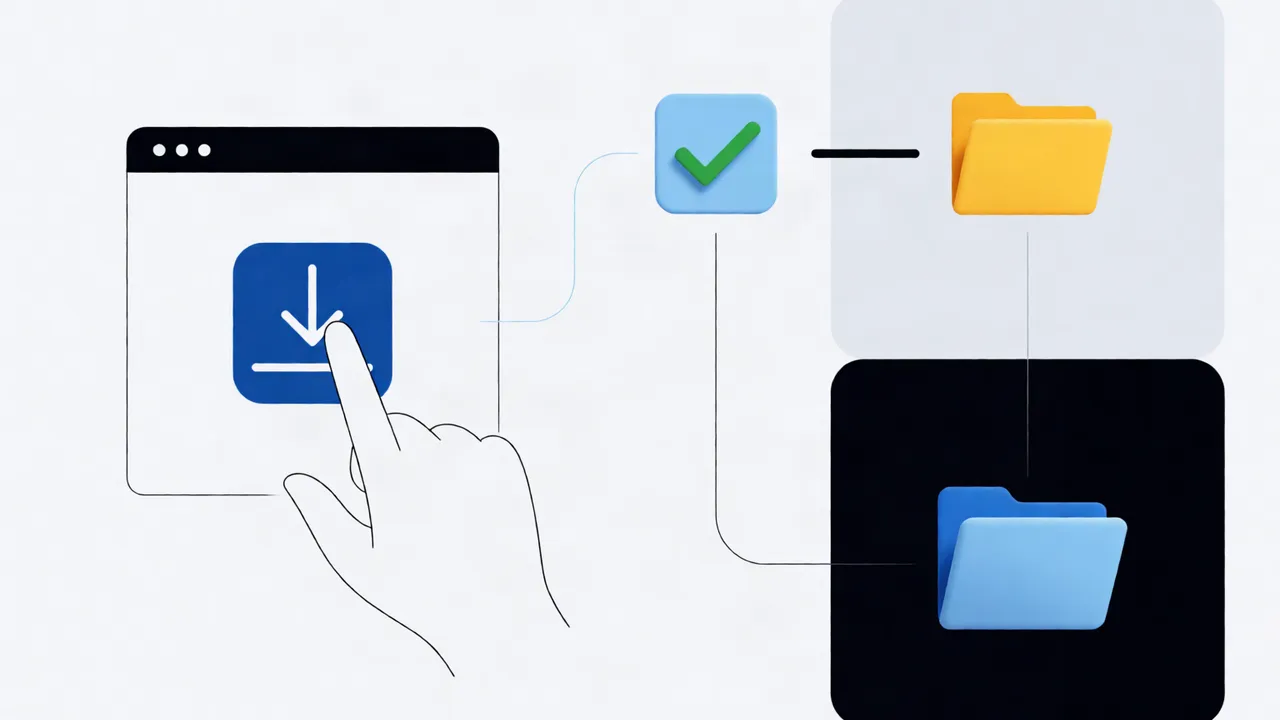
Use direct DOM manipulation for UI interactions the user would perform, and out-of-band API calls for data retrieval or state changes that don't require rendering. Mixing them arbitrarily creates replay fragility. The rule is: if a human can see and click it, script it against the DOM; if a server returns it, call the API.
| Approach | Best for | Replay reliability | Cost on replay |
|---|---|---|---|
| Direct DOM manipulation | Clicks, form fills, navigation | High when selectors are stable | Browser runtime only |
| Out-of-band API calls | Data export, status checks, auth | Very high; no DOM dependency | Network + compute |
| Hybrid | Complex workflows (UI + data) | Moderate; depends on boundary clarity | Both |
A skill that exports an invoice, for example, might click a "Download" button in the DOM, then call an API to verify the file landed in storage. The click is a browser action; the verification is an API call. Keeping them separate means the API check can run even if the browser session is recycled.
What does a skill run cost, and how do you reduce it?
A replayed skill costs browser runtime and negligible inference. The expensive part is the initial LLM planning call that compiles the skill. Once compiled, replay avoids token generation entirely, so cost per run collapses to the browser session and network overhead. Minimizing LLM calls on replay is the single biggest lever for reducing AI agent run costs.
We covered the token arithmetic in detail in our guide on optimizing LLM costs in AI browser agents. The short version: a dynamic agent spends tokens on every run deciding what to click next. A compiled skill spends those tokens once, at authoring time, and zero tokens on every subsequent replay.
Latency follows the same pattern. LLM inference adds seconds. Structured replay adds milliseconds per action. If your skill runs ten times a day, the difference is invisible. If it runs ten thousand times, it is the difference between a viable product and an unaffordable one.
Code example: building a repeatable browser action
A repeatable skill separates action definition from execution. The example below defines a login-and-export flow as structured actions with explicit selectors and failure conditions. The replay engine consumes this definition directly; no model generates the click coordinates or CSS selectors at runtime.
import { skill, action } from '@twin-browser/sdk';

export const exportInvoiceSkill = skill({
 id: 'export-invoice-v1',
 actions: [
 action({
 type: 'navigate',
 url: '
 waitUntil: 'networkidle',
 }),
 action({
 type: 'click',
 selector: '[data-testid="invoice-list"] button:last-child',
 timeout: 5000,
 }),
 action({
 type: 'waitFor',
 selector: '[data-testid="download-complete"]',
 timeout: 15000,
 }),
 action({
 type: 'apiCall',
 method: 'GET',
 url: '
 expectStatus: 200,
 }),
 ],
 guardrails: [
 {
 type: 'requireAuthorization',
 when: ['login', 'stateChange'],
 message: 'User must confirm before exporting invoice data',
 },
 ],
});
Notice the data-testid selectors. They are stable because they are owned by the product team, not the marketing team that redesigns the homepage every quarter. If your target does not expose test IDs, use the most stable attribute available—id, name, or a combination of ARIA role and accessible text—and avoid chained descendant selectors that break when a wrapper div is added.
When do you optimize for speed versus flexibility?
Optimize for speed when the skill runs on stable, internal targets with stable selectors. Optimize for flexibility when the target site changes frequently or requires a real logged-in browser with cookies, extensions, or human behavior. Headless replay is faster and cheaper; a real browser is more reliable for anti-bot targets and authenticated sessions.
I learned this the hard way with a skill that scraped a vendor portal. Headless mode ran quickly but was blocked by a CAPTCHA after repeated runs. Switching to a real browser profile with persisted cookies raised runtime but restored reliability. The cost went up, but the skill actually worked in production.
When you need flexibility, keep the skill short. Long skills in a real browser accumulate state—cookies, modals, pop-ups—that make replay non-deterministic. Split long flows into smaller skills with clear handoffs.
What guardrails keep a skill from corrupting browser state?
Guardrails are preconditions and boundaries that stop a skill before it mutates state it cannot undo. Require explicit user authorization for login, purchases, or data writes. Block navigation outside the skill's domain. Fail fast when an expected selector is missing rather than improvising.
Human-in-the-loop control is not optional for skills that touch money or private data. Our guide on implementing human-in-the-loop for AI browser agents covers the authorization flow in detail. The short version: the skill requests permission, the user approves or denies, and the replay engine enforces the decision without asking the LLM to interpret it.
For error handling, do not wrap every action in a generic retry loop. Retries work for network blips; they do not work for a missing selector or a modal dialog. Our write-up on advanced error handling for resilient AI browser agents explains when to retry and when to fail.
How do you measure and improve agent skill reliability?
Measure replay success rate, latency per action, and LLM calls per run. A reliable skill succeeds on repeated runs against stable targets and makes zero LLM calls after compilation. Track failures by action type to find brittle selectors. Iterate by pinning selectors, adding waits, or splitting long skills into smaller, independently replayable units.
Our debugging playbook for browser environments walks through reading replay traces and isolating the exact action that diverged. Start there before you add more LLM prompts to "fix" an unreliable skill.
If you are building browser-based agent skills, Twin Browser's infrastructure is built for compile-once, deterministic replay. Learn more at twin-browser.com.
FAQ
What is efficient browser interaction for AI agents?
Efficient browser interaction means encoding user actions as structured, replayable steps—clicks, inputs, navigation—so the agent does not ask an LLM to decide each step at runtime. It reduces latency and cost while making failures easier to diagnose.
What are deterministic replay best practices?
Compile the skill once, use stable selectors, separate UI actions from API calls, fail fast on missing elements, and keep skills short enough that browser state does not accumulate between steps.
How do you reduce AI agent run costs?
Reduce run costs by moving decision-making from replay time to authoring time. A compiled skill makes zero LLM calls during replay, so you pay for browser runtime and network instead of token generation on every execution.
How do you design AI agent actions?
Design actions around explicit inputs and expected outcomes. Use stable DOM attributes or out-of-band APIs, define timeouts and failure conditions, and add authorization guardrails for any state-changing step.
How do you minimize LLM calls on replay?
Minimize LLM calls on replay by pre-compiling the skill into a fixed sequence of structured actions. The LLM is used to author or update the skill, not to execute it. Replay runs the recorded actions directly against the browser.
Topics
AI agent skill optimization · efficient browser interaction AI agents · deterministic replay best practices · reducing AI agent run costs · AI agent action design · browser automation for agent skills · improving AI agent reliability · minimizing LLM calls on replay