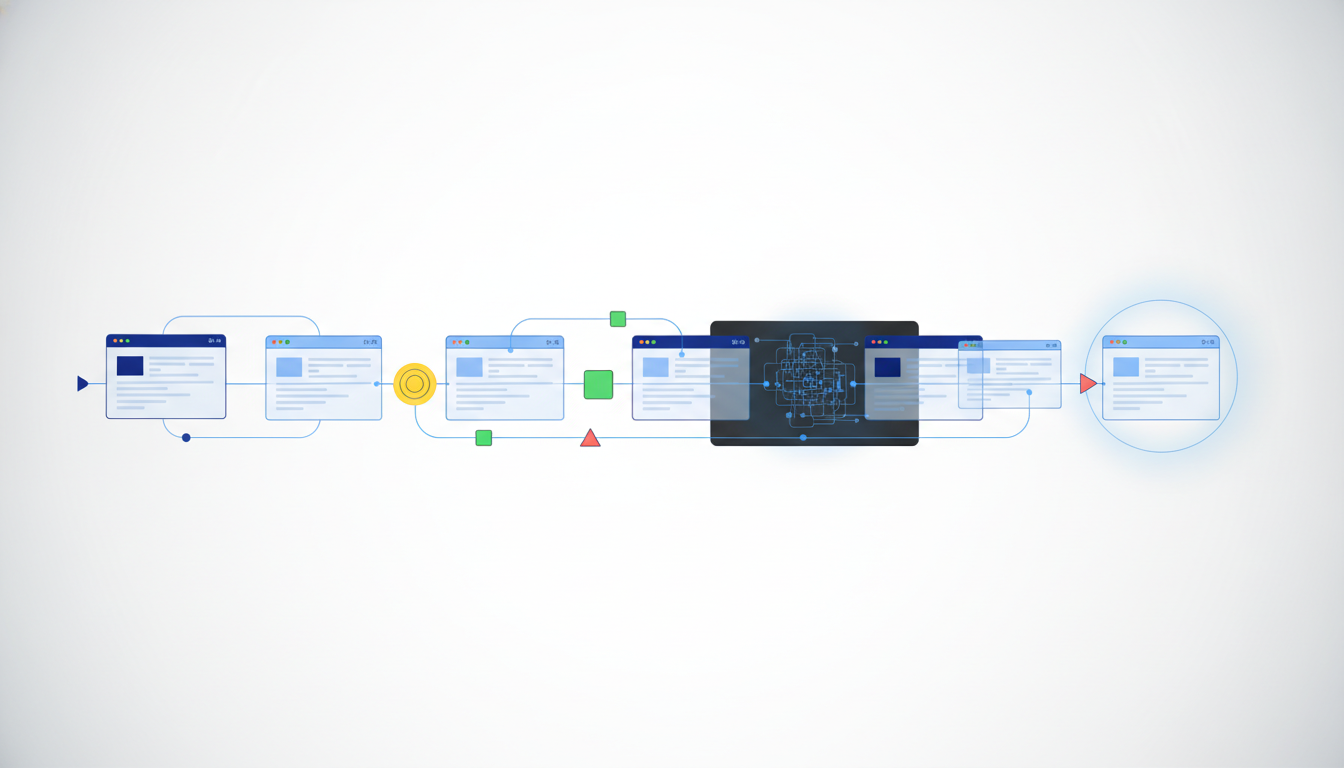
Use open-source libraries like Playwright for custom logic, but rely on managed infrastructure for replayable sessions. You need headless control for scraping, but real browser sessions for logged-in tasks.
Key takeaways
- Traditional Selenium scripts break on dynamic DOMs; modern agents need event-driven replays.
- Managed solutions like Browser Use offer free credits to test agent workflows.
- Open-source tools save money but require you to build your own session management.
- Always prioritize human-in-the-loop guardrails when agents access user accounts.
Why traditional browser automation falls short for AI agents
Legacy automation tools expect static pages and hardcoded selectors to function correctly. AI agents face dynamic content and bot detection every single time they run. You cannot script every human-like variation manually or rely on simple waits.
Selenium waits for elements that might change before the page renders fully. Playwright is better but still requires you to define the state transitions explicitly. Agents need to infer state from the DOM and network traffic independently. When a login page rotates a CAPTCHA or a session expires, standard scripts crash. You need a system that can pause, reason, and resume without breaking the execution flow. This requires a mechanism for state serialization and deterministic replay that simple libraries do not provide.
How do open-source tools like Playwright, Puppeteer, Selenium, and Browser Use compare
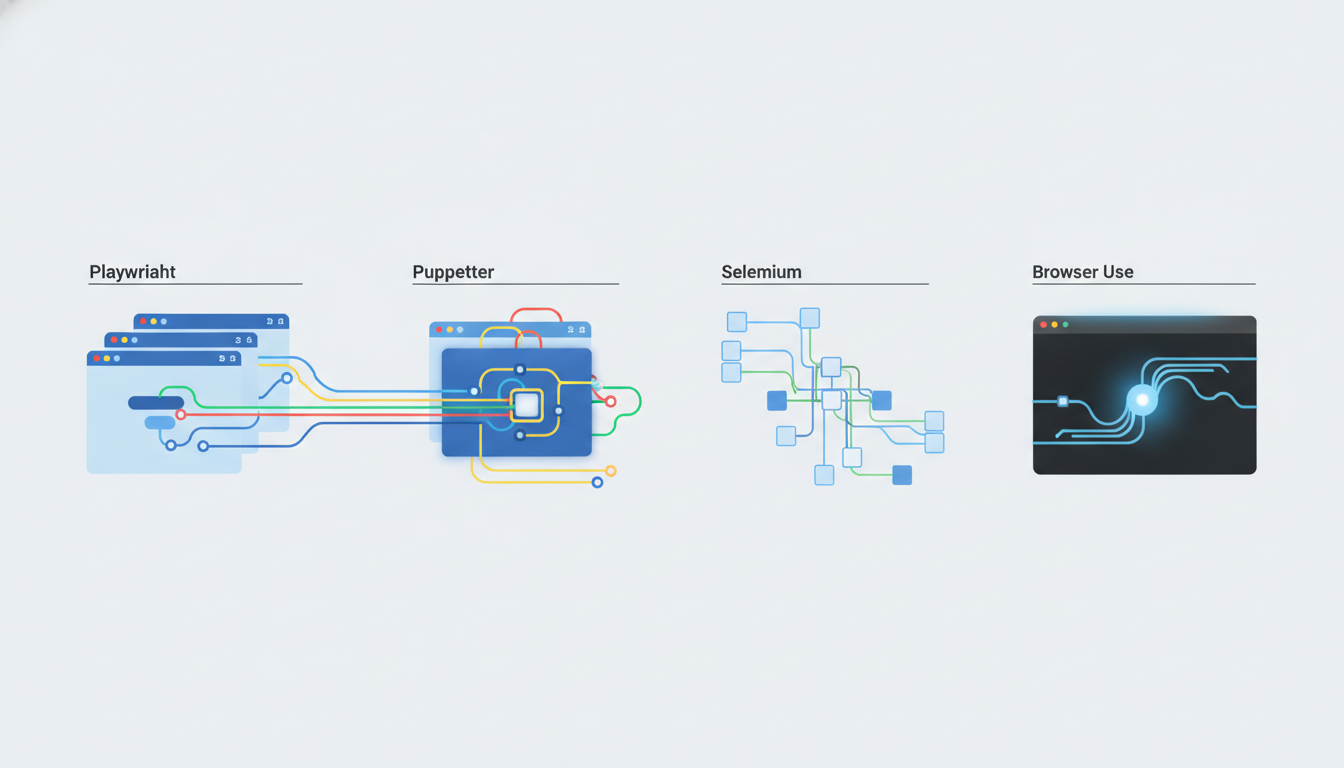
Open-source libraries give you code control but no runtime environment for execution. Playwright leads in modern web support, while Puppeteer is tied to Chrome processes. Browser Use bridges this gap by adding agent logic to standard browser APIs.
Using Playwright directly means you manage the context and storage manually. It offers powerful auto-waiting and network interception for inspecting API calls. Puppeteer is excellent if you only target Chrome, but Playwright supports more engines. Browser Use simplifies the agent loop by offering tasks and infrastructure options. However, you still need to handle the underlying session lifecycle. As of September 2026, Browser Use offers $15 free credits for eligible signups to test agent workflows their pricing page. This helps you verify costs before committing to managed infrastructure.
What is the value of managed browser infrastructure like Browserbase, Hyperbrowser, Steel, and Firecrawl
Managed services handle the browser lifecycle, offering persistent sessions and stealth features. Firecrawl and others compile lists of tools in 2026 for web agents. This reduces the overhead of maintaining your own browser fleet and security patches.
Infrastructure providers abstract the Docker containers and remote debugging ports required to run headless browsers. They often include proxies and user-agent rotation to bypass bot walls. Firecrawl highlights various agents in their 2026 coverage of browser infrastructure best browser agents blog post. This approach trades direct code control for reliability. You pay for the compute, but you gain uptime. Deterministic replay is a key differentiator here. If you can record an action and replay it without calling the LLM again, you save significant tokens. Not all providers support this.
Comparison of browser automation options for agents
| Dimension | Open Source (Playwright) | Managed (Browser Use) |
|---|---|---|
| Cost Model | Free (self-hosted) | $15 free credits available |
| Session Persistence | Manual storage state | Built-in remote browser |
| Deployment | Requires container setup | API-based access |
| Agent Logic | You write the loops | Integrated task runner |
How do you choose the right browser automation tool for your AI agent project
Pick based on session persistence needs and token cost targets. If you need logged-in access to protected accounts, choose a managed solution with human-in-the-loop controls. If you need cost efficiency for public scraping, use open-source wrappers.
Consider the complexity of your state management. Simple scrapers work fine with Playwright scripts. Complex workflows involving form submissions and CAPTCHA solving need a service that handles the browser as a managed resource. Look for tools that support MCP (Model Context Protocol) to standardize how agents talk to browsers. This reduces vendor lock-in. Also, check their guardrail capabilities. When an agent acts on a user's account, you need audit logs and approval steps. Do not run unmonitored scripts on live accounts.
What are the emerging trends in AI agent browser control
Deterministic replay and caching are becoming standard for reducing token usage. This cuts the cost per run significantly. Tools are now storing the browser state so that agents can resume without re-rendering the page.
MCP servers allow agents to interact with browsers using a unified schema. This means your agent logic remains consistent even if the underlying browser changes. We are moving away from pure vision-based agents to hybrid systems that inspect the DOM and APIs. This reduces hallucinations when interpreting screenshots. Community discussions suggest that agents need to prove humanity to avoid blocks Reddit community discussion. Ensure your chosen tool can handle CAPTCHA solving compliantly or route through human approval.
FAQ
What are the best headless browser for AI
Playwright is currently the leading headless browser for AI due to its robust network interception and auto-waiting features. It supports multiple browser engines beyond just Chrome.
Is Playwright good for AI agents
Yes, Playwright is good for AI agents because it provides low-level control over the DOM and network traffic. However, you must implement your own replay logic for cost savings.
How to handle CAPTCHAs in browser agents
Avoid hard-coded CAPTCHA solving. Use managed services that support human-in-the-loop verification or route difficult challenges to a manual review queue.
How do I reduce browser agent costs
Enable deterministic replay to cache browser states. This prevents the agent from needing to call the LLM for actions that have already been recorded.
Do managed solutions require user approval for logged-in tasks
Yes, reputable managed providers include human-in-the-loop guardrails. This ensures a human authorizes sensitive actions when an agent accesses user accounts.
For a unified paradigm on reducing browser-agent cost with deterministic replay and caching, explore our approach at Twin Browser. We focus on compliant handling of CAPTCHAs and bot walls. Visit Twin Browser to see how we structure agent workflows.