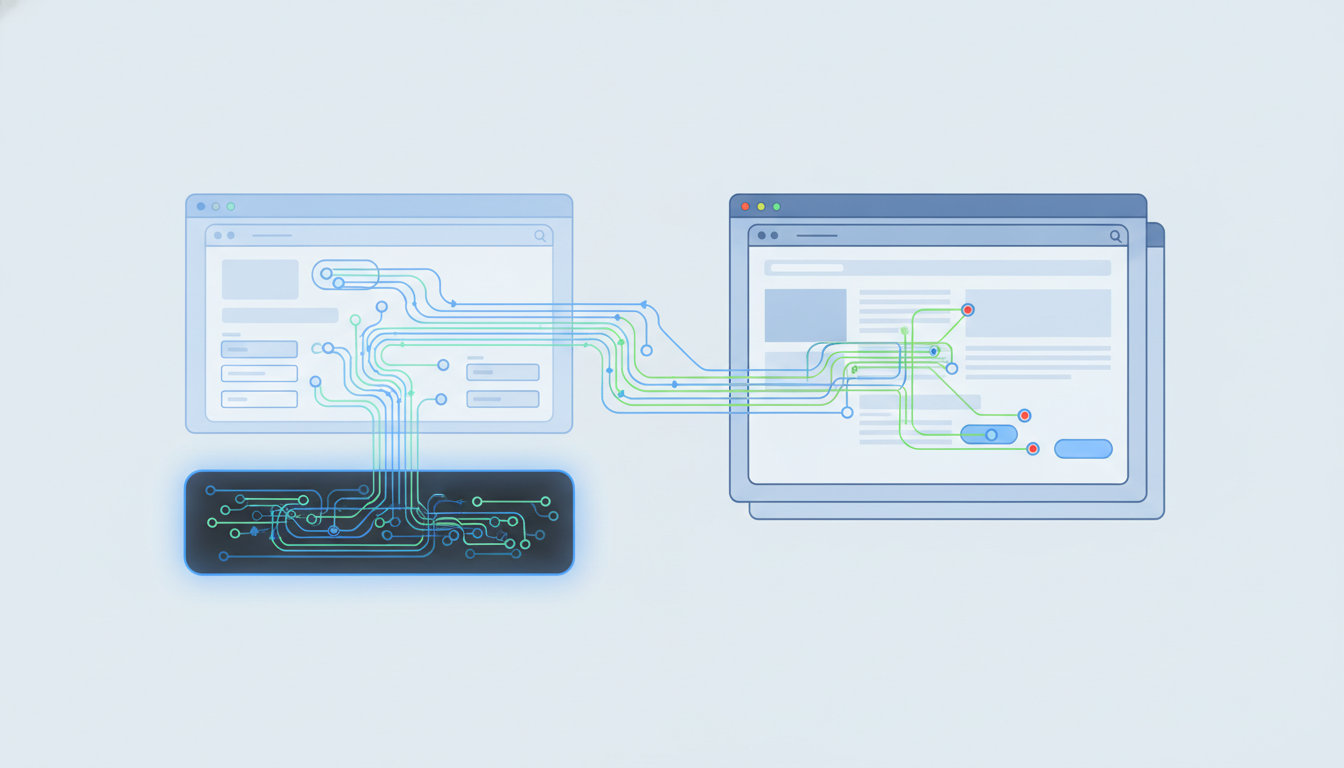
The right choice depends on whether your agent needs to interact with logged-in accounts or just fetch static content. In 2026, real browser environments are winning for complex tasks, with major players like Firecrawl raising $75M to build agent infrastructure around them. Use headless for simple scraping; use real browsers for auth and UI navigation.
Key takeaways
- Headless browsers often fail on CAPTCHAs and dynamic login flows.
- Real browsers support persistent sessions and human-in-the-loop guardrails.
- Deterministic replay cuts costs by avoiding repeated LLM calls.
- Choose based on session state requirements, not just raw speed.
What is the right AI agent browser environment in 2026?
The right environment matches the task complexity. Simple data extraction works on headless, but anything requiring login or interactive UI needs a real browser instance.
Developers often start with headless because it is cheap and fast. But in production, agents hit walls when they need to log in or pass bot checks. An AI agent browser environment must preserve state across runs. It needs to support tools that act like a human, not just a script. We look for infrastructure that lets you save cookies and replay actions deterministically. This reduces the load on LLMs and lowers costs. If your agent visits the same dashboard daily, you need session persistence. If it scrapes public pages, headless might suffice.
What are the headless browser automation challenges?
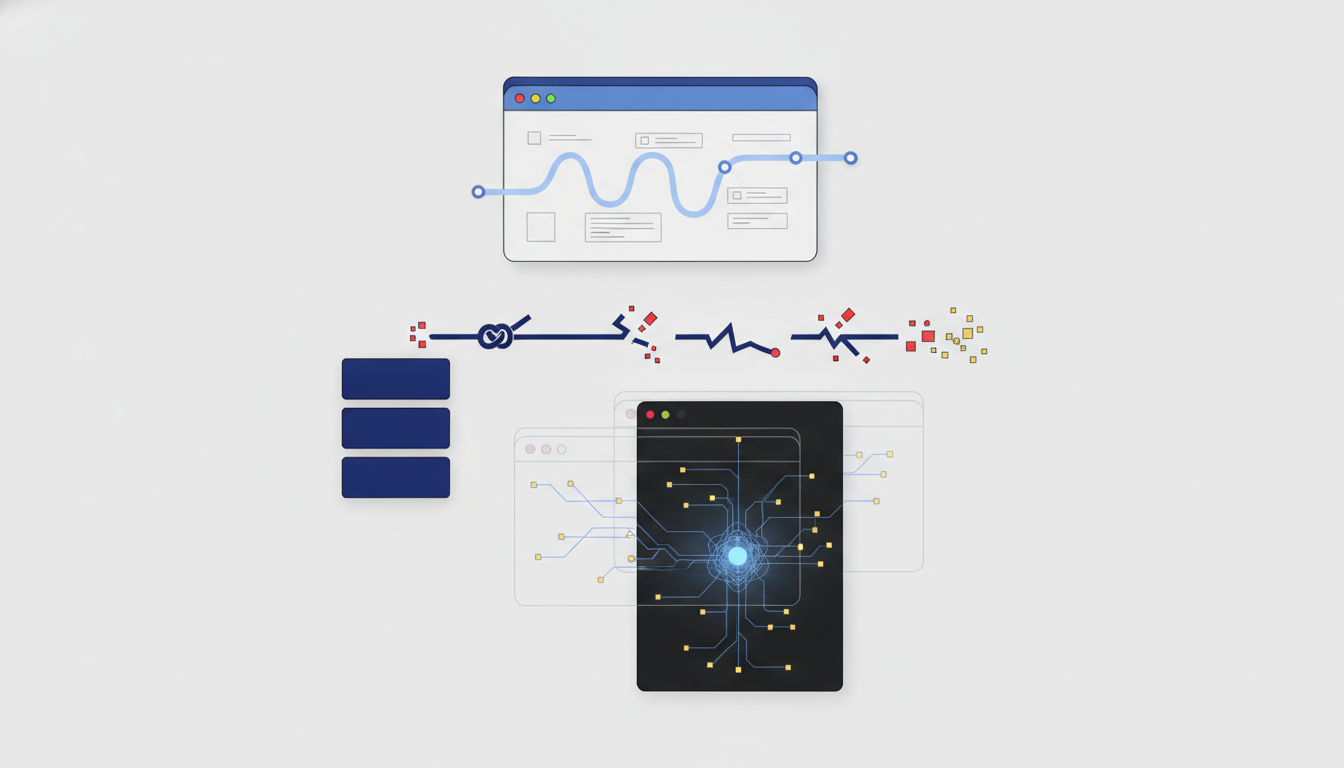
Headless browsers struggle with modern web defenses and stateful interactions. They lack the full fingerprint needed to bypass bot detection or maintain cookies across runs.
We see agents fail when sites deploy JavaScript challenges. Headless processes do not execute the full browser stack required to solve these. This leads to retries and higher latency. On Reddit, developers argue that headless agents are becoming obsolete for complex workflows. They note that sites increasingly require full context to verify humanity. You cannot patch this with better headers. You need a full browser context that passes fingerprinting checks. This means real browser automation, not just a modified headless version.
Reddit's discussion on headless limitations highlights this shift. If your workflow touches any protection layer, headless will block you. Plan for real browsers if you need reliability.
When do real browser automation benefits matter most?
Real browsers matter when you need to maintain authenticated sessions or navigate complex UIs. They preserve cookies and local storage exactly like a human user.
This is critical for enterprise tools. Your agent might need to read internal dashboards or update CRM records. Real browsers handle multi-step logins without resetting the session. They also render WebGL and WebRTC correctly, which some sites require for validation. Tools like Playwright work well here, but managed services save ops time. You get browser isolation and better scaling. The benefit is stability. Your agent completes the task on the first try. This reduces LLM token usage because it does not need to retry failed steps.
How do cost and performance compare?
Headless is cheaper per request but often fails, requiring retries. Real browsers cost more upfront but succeed where headless fails, lowering total cost of ownership.
Speed matters, but reliability wins. A headless run might take 500ms but fail 40% of the time. A real browser run takes 2s but succeeds 99%. The total cost of a failed task includes the retries and the wasted LLM tokens. We recommend testing both on your specific targets. The difference is not linear. You need a table to compare them side by side.
| Feature | Headless Browser | Real Browser |
|---|---|---|
| Startup Time | Fast (<1s) | Slower (2-5s) |
| Bot Evasion | Poor | High |
| Session State | Lost on restart | Persistent |
| Anti-Defenses | Low | High |
| Cost | Low per run | Higher per run |
Use headless for public data. Use real browsers for logged-in or protected data. This strategy optimizes your budget while keeping reliability high.
How to implement persistent sessions and guardrails?
Use session storage APIs to save cookies between runs. Add human-in-the-loop checks before agents access sensitive user accounts.
Persistent browser sessions are not just about cookies. They are about storage, cache, and local state. Save the browser profile after a successful login. Load it when the agent starts its next job. This avoids re-authentication flows that sites throttle. For sensitive actions, add a guardrail. Require a human click to confirm transactions. This protects user data and satisfies compliance needs. We recommend using an MCP browser server to manage these tools. It gives you a unified interface for all your browser interactions. This makes scaling easier without rewriting code.
FAQ
Are headless browsers dead for AI agents?
No, but their scope has narrowed. They are still useful for static page extraction where speed is critical and no login is required.
How do I reduce costs for browser automation?
Use deterministic replay to avoid calling the LLM for every step. Cache successful actions and reuse them for similar tasks.
Can agents solve CAPTCHAs automatically?
Not reliably without human-in-the-loop guardrails. Automated solving is often blocked by site protections and risks account bans.
What tools support persistent sessions best?
Managed browser services and Playwright with context storage offer the best support for saving and restoring authenticated sessions.
Where can I find reliable browser infrastructure?
Check Twin Browser for tools that support deterministic replay and secure session management for AI agents.