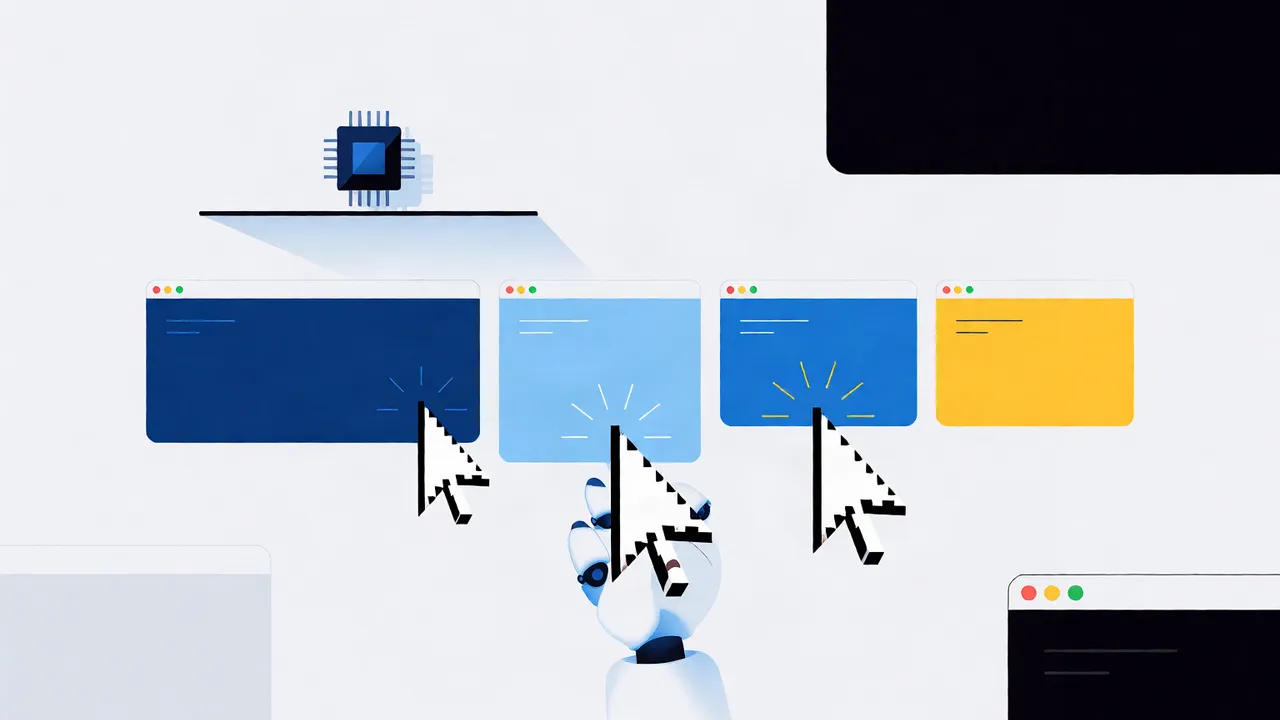
Most of what you pay to run an AI agent is not tokens — it's the browser loop around them. A single browser automation action costs roughly $0.53 all-in once you count tokens, infrastructure, and opportunity cost, according to an April 2026 teardown by Unbrowse. Compile each workflow once and replay it deterministically with zero LLM calls, and you pay the token bill once instead of on every run.
I've spent the last while auditing agent bills, and the pattern is consistent: teams optimize the model and ignore the loop. This post is the breakdown I wish I'd had first — where the money actually goes, the arithmetic of replay, and the checklist I'd run before spending another dollar on prompts.
Key takeaways
- The visible LLM line item hides a per-action browser tax — about $0.53 per action in 2026, before retries.
- Deterministic replay means compile once, replay with zero LLM calls; the model only wakes up when a step fails.
- Model cost per run as: actions × cost-per-action + tokens + retries + idle session minutes.
- Below a few hundred runs a month, prompt caching and a smaller model beat replay infrastructure. Don't build early.
- Anything touching a real account runs inside a user-authorized session with a human approval gate. That's a control requirement, not a nice-to-have.
What does it really cost to run an AI agent in production?
Four layers: LLM tokens, browser compute, failure overhead, and engineering time. Tokens are the only layer on most dashboards. The others hide inside it. Unbrowse's teardown puts the all-in cost of one browser action at roughly $0.53 — tokens, infrastructure, and opportunity cost combined. Multiply that by every action in every run, and the browser loop is usually the bigger bill, not the model.
| Cost layer | What drives it | Where it hides |
|---|---|---|
| LLM tokens | actions per run × prompt size | The one line everyone watches |
| Browser compute | session minutes, proxies, concurrency | The infrastructure invoice |
| Failure overhead | retries re-pay the full per-action cost | Spread across "error budgets" |
| Engineering time | maintaining flows that drift and break | Nobody's dashboard |
The retry line is the one teams miss. A retry is not a free second attempt — it re-pays the whole per-action tax, tokens included. When we look at a runaway bill, tokens are rarely the surprise. The surprise is how many actions a "simple" run actually takes.
Where does browser infrastructure show up in AI agent infrastructure pricing?
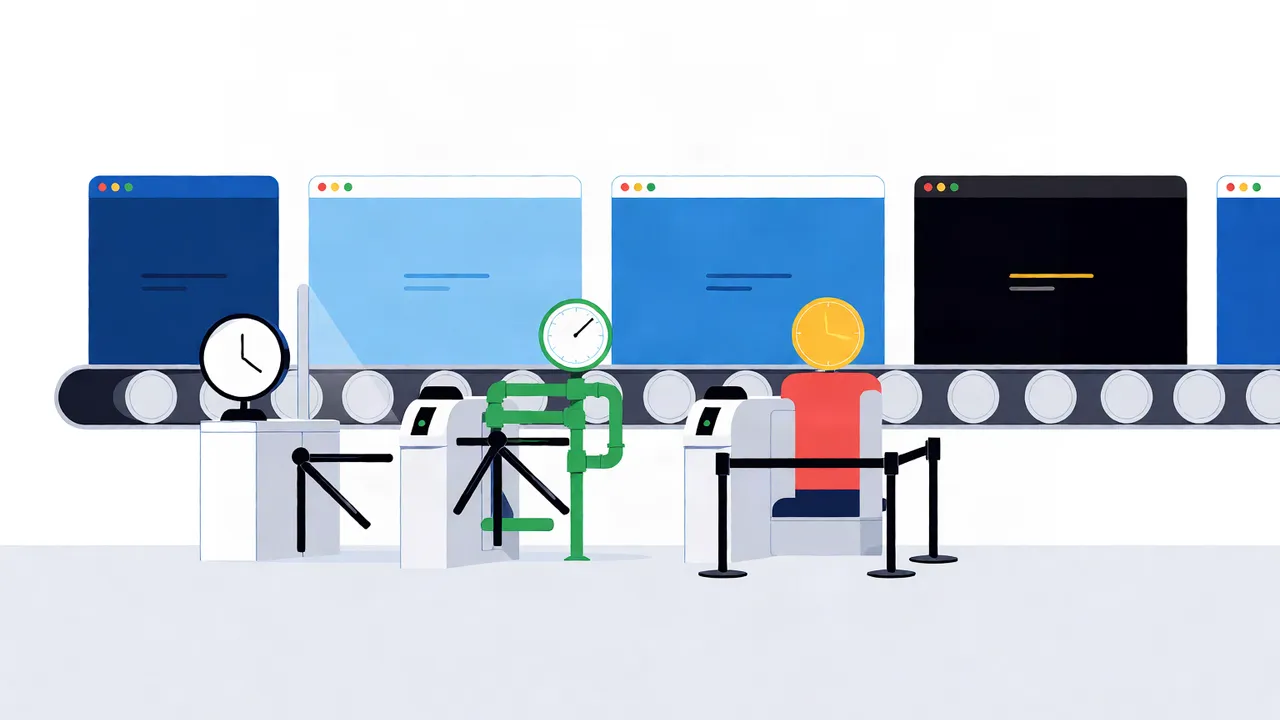
Browser infrastructure is billed per session-minute, per action, per proxy gigabyte, or per reserved concurrency slot — and the model you pick changes your cost profile more than any prompt tweak. Headless sessions are the cheapest option; real logged-in browsers cost more and earn it when a site needs an authorized user session. Browser Use's 2026 comparison of seven browser infrastructure options is a fair survey of the landscape.
| Pricing model | You pay for | Right pick when |
|---|---|---|
| Per session-minute | Wall-clock time, including idle | Long-lived, multi-step sessions |
| Per action | Each executed step | Short, predictable flows |
| Per proxy GB | Egress traffic | Geo-distributed work |
| Reserved concurrency | Guaranteed parallel slots | Steady, high daily volume |
One honesty note on logged-in browsers: they're the right call when the workflow genuinely requires the user's own session — and in that case the user authorizes the access, and sensitive steps sit behind an approval gate. If a workflow needs no login, plain HTTP or headless is cheaper and you should use it. Paying for a real browser you don't need is the most common waste I see.
How does deterministic replay cut costs? The math of zero LLM calls on rerun

Compile once, replay deterministically. The first successful run of a workflow is recorded as a script — steps, selectors, waits. Every replay executes that script with zero LLM calls, so the token share of the per-action cost drops to nothing and you pay browser compute only. The model wakes up only when a step fails and needs repair. That's the whole mechanism, and it's why replay is the highest-leverage lever in AI agent cost optimization for browser infrastructure.
The arithmetic, using Unbrowse's sourced figure: a 30-action workflow costs about $15.90 per run when the model drives every step (30 × $0.53). On replay, the token component of that $0.53 goes to zero — the exact saving depends on how the $0.53 splits between tokens and compute on your stack, which is exactly why you should measure your own split rather than trust mine.
Published results back the pattern. AWS's AgentCore cost playbook describing how WHI cut browser-agent costs by 97% (June 2026) attributes the reduction to prompt caching, model selection, and workload optimization — the same family of fixes: stop paying the model for work you've already done once.
Schematically, the loop looks like this:
# First run: the model drives, the successful path is recorded
skill = agent.compile("reconcile-overnight-orders")

# Every run after: deterministic replay, zero LLM calls
result = skill.replay() # falls back to the model only on failure
One lesson from our own early attempts: the first workflow we compiled recorded far too many steps, and replay amortized a bloated script. Fewer actions beats cheaper actions. If you're building this, our practical guide to implementing deterministic replay for AI browser agents walks through the recording and fallback mechanics, and crafting efficient browser interactions for deterministic replay covers how to keep the recorded skill itself lean.
LLM cost vs infrastructure cost: which should you optimize first?
At low volume, tokens dominate — prompt caching plus a smaller model is the cheapest fix and you should stop there. As run volume grows, per-action browser costs and retries scale linearly with every run while caching flattens token spend, so infrastructure becomes the bigger lever. My order: cut actions per run first, then downshift the model, then invest in replay.
I'd draw the line here: if you're running a few hundred runs a month, replay infrastructure hasn't amortized and you shouldn't build it. When the same five workflows run hourly every day, the compile cost is paid back in days. The mistake runs in both directions — teams build replay for one-off tasks where it never pays back, and teams burn tokens on hourly reruns of a flow that never changes.
How do you predict AI agent expenses before they hit production?
Estimate per run: (actions × cost per action) + (tokens × price) + (retries × both) + idle minutes × session rate. Count actions by running the flow once with tracing on — never by guessing. Idle time matters more than teams expect: a session sitting open while the model "thinks" bills the same as one doing work.
A worked, illustrative example using the sourced $0.53 per action:
- 25 actions per run × $0.53 = $13.25 per run
- 2,000 runs/month → $26,500/month
- A 10% retry rate adds 200 full runs → +$2,650/month
- Idle sessions left open 2 minutes per run at your provider's minute rate — add that line before someone else does
None of those volumes are benchmarks; they're arithmetic on a published per-action figure so you can swap in your own. For the fuller picture of how these costs feed into business cases, see calculating the true ROI of AI agents beyond productivity gains.
When does optimized browser infrastructure pay for itself — and when doesn't it?
It pays for itself when the same workflow repeats often, the target flow is stable, and the session requires real user-authorized login. It doesn't when flows change weekly, tasks are one-off, or no login is needed. Replay is brittle to page drift by design — a deterministic script does the same thing even when the page has changed, so you need failure detection and a model-driven fallback either way.
| Situation | Better choice | Why |
|---|---|---|
| Public pages, no login | Plain HTTP or headless | Cheapest; replay adds little |
| Logged-in dashboards, user-authorized | Real browser + replay | Sessions plus determinism amortize fast |
| Flows change weekly | LLM-driven with guardrails | Repair cost eats replay savings |
| One-off tasks | Don't compile | Replay never amortizes |
For the hosting question specifically — running your own browser fleet versus a managed service — we break down the trade-offs in choosing browser infrastructure for AI agents: self-hosted vs. managed services. Short version: self-host only when volume and compliance requirements both justify the ops burden.
What can developers do this week to reduce AI agent operational costs?
Measure first, then cut the loop. The order matters — optimizing before measuring is how teams spend a month caching prompts that were never the problem. This is the checklist I'd run, in sequence:
- Measure per-run cost: actions, tokens, retries, and idle minutes, traced on real runs. A comparison of AI agent observability tools is a good starting point if you're flying blind.
- Cut actions per run. The tax is per action; fewer steps is the only universally true saving.
- Compile hot paths into skills and replay them with zero LLM calls.
- Cache prompts and downshift models on routine steps — the AgentCore playbook pattern cited above.
- Cap retries and add an explicit fallback path so failure overhead is bounded.
- Kill idle sessions and set concurrency to measured peak, not feared peak.
- Keep a human approval gate on any step that touches a real account or spends money.
Where we fit
We built Twin Browser around this exact loop: compile a workflow once, replay it deterministically with zero LLM calls, run inside user-authorized sessions with approval gates on anything sensitive. If you're paying the per-action tax on every rerun of a flow that never changes, that's the problem we built the infrastructure to fix.
FAQ
How much does a browser action cost an AI agent?
Roughly $0.53 all-in per action in 2026, per Unbrowse's breakdown — combining tokens, infrastructure, and opportunity cost. The split varies by stack, so measure your own before optimizing.
What is deterministic replay for AI browser agents?
The first successful run of a workflow is recorded as a script; every replay executes those steps with zero LLM calls. The model is only invoked when a step fails and needs repair.
Which costs more: LLM tokens or browser infrastructure?
At low run volume, tokens dominate and caching plus a smaller model is the fix. At scale, per-action browser costs and retries scale with every run while caching flattens token spend, so infrastructure becomes the bigger lever.
How do I estimate my AI agent's monthly bill?
Per run: (actions × cost per action) + (tokens × price) + (retries × both) + idle session minutes × rate. Multiply by expected run volume, then add your retry rate explicitly — it re-pays the full per-action cost each time.
Do I need managed browser infrastructure for my AI agent?
Not until run volume justifies it. Self-hosted works fine at small scale; managed services earn their cost when you need logged-in, user-authorized sessions at steady daily volume without the ops burden.
Topics
AI agent cost optimization browser infrastructure · real cost of running AI agents · AI agent infrastructure pricing · reduce AI agent operational costs · browser automation cost per run · deterministic replay cost savings · LLM cost vs infrastructure cost AI agents · cost analysis AI browser agents