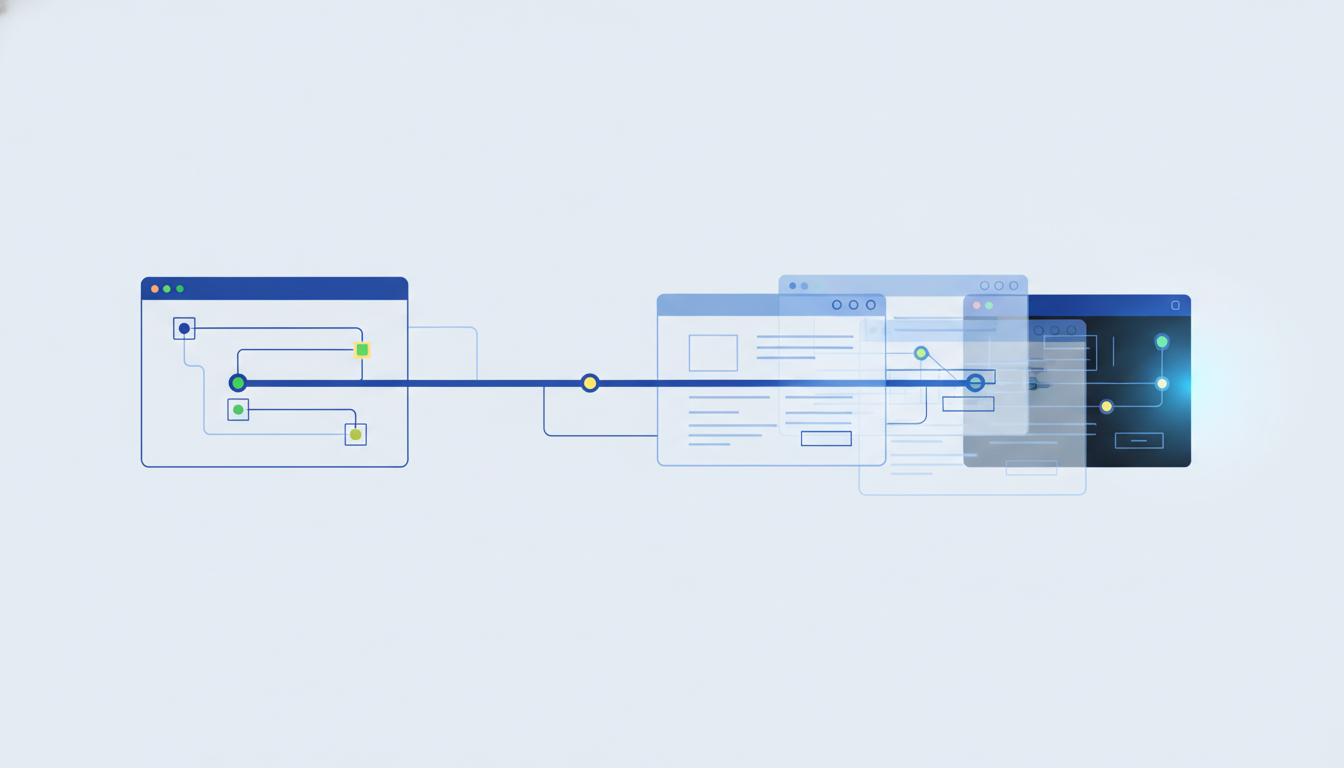
You can slash AI agent operational costs by reusing recorded browser sessions instead of calling the LLM for every step. Deterministic replay and caching are the mechanisms that make large-scale automation financially viable.
Key takeaways
- Deterministic replay allows you to reproduce agent actions without re-inference.
- Caching static assets cuts bandwidth and token consumption significantly.
- Twin Browser integrates these features for compliant, headless, or logged-in agents.
Why AI Agent Operational Costs are Skyrocketing (and How to Tame Them)
Most AI agents burn cash because they re-run expensive inference logic for every single browser interaction. You pay for token processing, latency, and failed retries even when the page hasn't changed. You tame these costs by separating decision-making from execution, replaying steps that don't require new reasoning.
We see teams spend heavily on LLM calls for simple tasks like clicking buttons or reading static text. If your agent decides once and then executes multiple times, you avoid redundant billing. The cost per run drops when you cache the decision layer and only pay for changes. This is critical when scaling to thousands of automated sessions a month.
To manage this, map your agent's workflow into decision nodes and execution nodes. Only call the model at decision nodes. Between them, use deterministic tools to move the cursor or fill forms. This split reduces your token bill and improves speed because the browser handles the repetition without waiting for a response.
What is Deterministic Replay and How Does it Cut Costs?
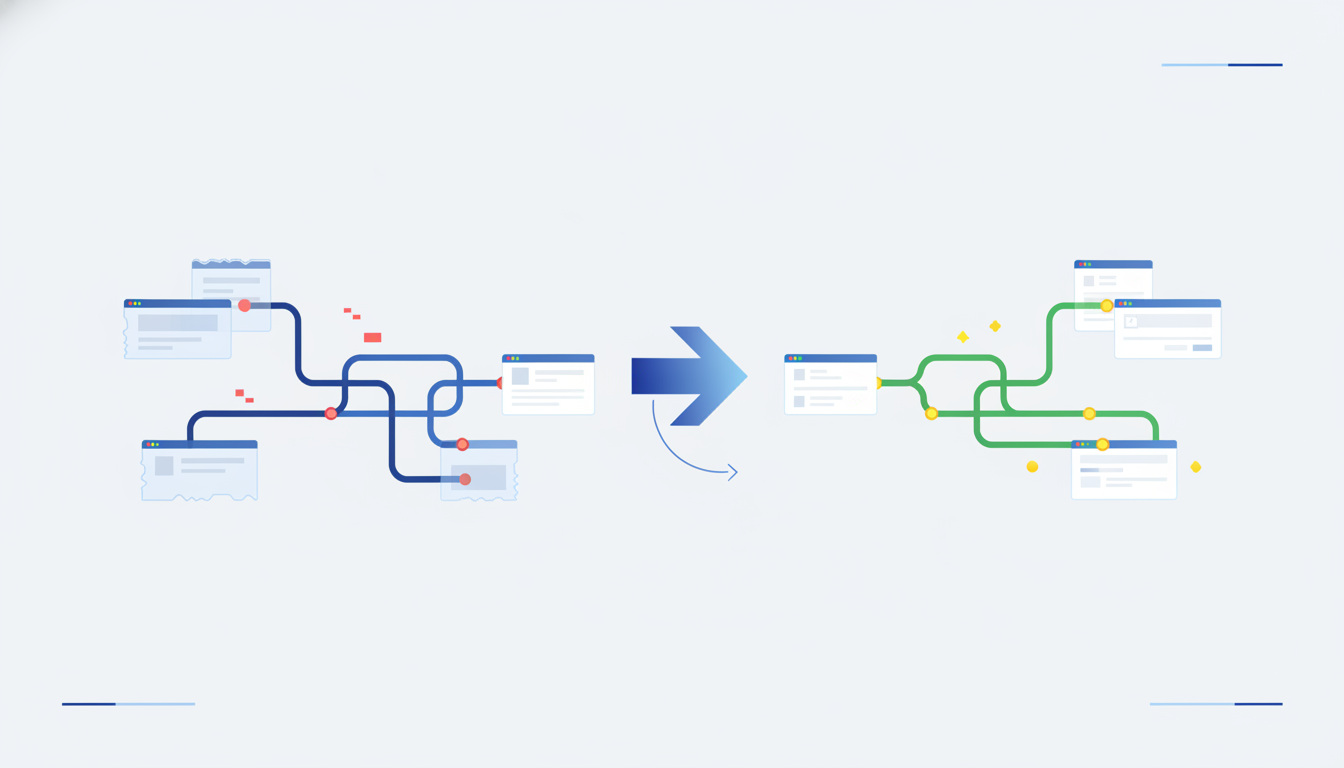
Deterministic replay records a sequence of inputs and page states, allowing you to replay the session without re-running the model. This cuts costs by skipping LLM inference for steps you already validated. It also fixes flaky agents that fail due to network delays or UI shifts.
Instead of asking the model to think about how to click "Submit," you record the action and replay it. The browser restores the state exactly as it was. This is useful for debugging and production runs where the goal is known. If the path is fixed, the model doesn't need to re-plan every time.
You can find detailed examples of how this helps developers ship faster by looking at PromptLayer's guide on debugging AI agents. They show how replaying helps isolate failures without triggering new tokens.
Using this method means your costs stay linear with actual work, not with retry loops. If a session fails at step 5, you can replay steps 1-4 instantly without paying for them again. This precision saves money on long workflows where early steps are expensive or time-sensitive.
How Does Caching Browser Automation for AI Improve Efficiency?
Caching stores DOM snapshots, network responses, and resource files so your agent doesn't request them again. This improves efficiency by reducing latency and saving bandwidth on repeated runs. It prevents your agent from wasting tokens re-reading data that hasn't changed.
When you build a browser automation system, every network round-trip adds cost and time. If your agent scrapes a dashboard that updates hourly, caching the HTML until the hour ends makes sense. You store the state and replay it for downstream steps. This keeps the workflow moving without blocking on slow servers.
For large-scale agents, caching transforms a slow, expensive loop into a fast, cheap pipeline. You can serve cached assets to your model instead of fetching fresh ones for every context window. This also helps with stability since cached content is less likely to vanish or change unexpectedly during execution.
You can read about production-ready platforms that handle this trade-off in WitnessAI's analysis of deterministic vs. AI automation. They discuss how caching fits into the bigger picture of reliable infrastructure.
Is Twin Browser's Approach to Deterministic Replay and Caching Right for You?
Twin Browser offers a layer specifically built for AI agents, combining deterministic replay with secure, logged-in access. It is right for you if you need to automate tasks behind logins or manage complex browser states reliably.
Unlike headless tools that struggle with modern web protections, Twin Browser supports real user sessions and human-in-the-loop guardrails. You get deterministic replay for consistent execution but keep the flexibility to handle dynamic content when needed. This balance reduces cost while maintaining compliance with site policies.
We recommend it when you need to scale beyond simple scripts but cannot afford the fragility of pure LLM navigation. The built-in caching and replay features mean you pay for intelligence only where it matters. Check out Twin Browser capabilities to see how it integrates with your stack.
| Feature | Headless Automation | Pure LLM Agents | Twin Browser |
|---|---|---|---|
| Deterministic Replay | No | Rarely | Yes |
| Token Cost on Replay | Zero | High | Zero |
| Logged-in Support | Limited | Risky | Native |
| Debugging | Hard | Unpredictable | Visual |
How Do You Implement Deterministic Replay and Caching Best Practices?
To implement these features, separate your code into a planner and an executor. The planner calls the LLM to decide the next move, while the executor performs the browser action. Cache results of expensive steps and replay them if the plan doesn't change.
Start by identifying which steps in your agent are repetitive. Are you scraping the same product page multiple times? Are you logging in to check a status? If so, cache the authentication state and the page content. Only call the model if the status actually changes.
Here is a checklist to guide your implementation:
- Record inputs: Store clicks, keystrokes, and navigation events in a log.
- Serialize state: Save the DOM and cookies at key checkpoints.
- Validate checkpoints: Ensure replay matches expected state before proceeding.
- Set TTLs: Expire cached content after a set time to avoid stale data.
- Monitor costs: Track LLM calls per workflow to find new optimization points.
This approach helps you optimize browser automation for large scale AI agents by removing unnecessary overhead. You get better performance without compromising on accuracy. The goal is to let the browser do the heavy lifting while the LLM stays focused on strategy.
FAQ
How do I reduce LLM inference costs in browser automation?
You reduce costs by using deterministic replay to repeat steps without new model calls and caching static data. This ensures you only pay for LLM intelligence when the situation actually changes.
What is deterministic replay for AI agents?
It is a method that records user inputs and page states to reproduce a session exactly. This lets agents run faster and cheaper by reusing previous work instead of thinking through every action again.
Is browser automation performance optimization worth it?
Yes, because large workflows consume massive tokens on simple tasks. Optimizing with replay and caching saves money and improves reliability by preventing network timeouts during repetitive operations.
Can I use deterministic replay with logged-in browser automation?
You can if the platform supports session caching and replay. Ensure you handle user authorization securely so replaying does not bypass security checks or violate compliance policies.
How do I choose between deterministic and non-deterministic agents?
Use deterministic for fixed paths like data extraction or form filling. Use non-deterministic for tasks requiring real-time reasoning, and combine them to keep costs low and flexibility high.
If you want to build agents that save money and scale reliably, try Twin Browser. It puts these cost-saving mechanisms to work for you from day one.