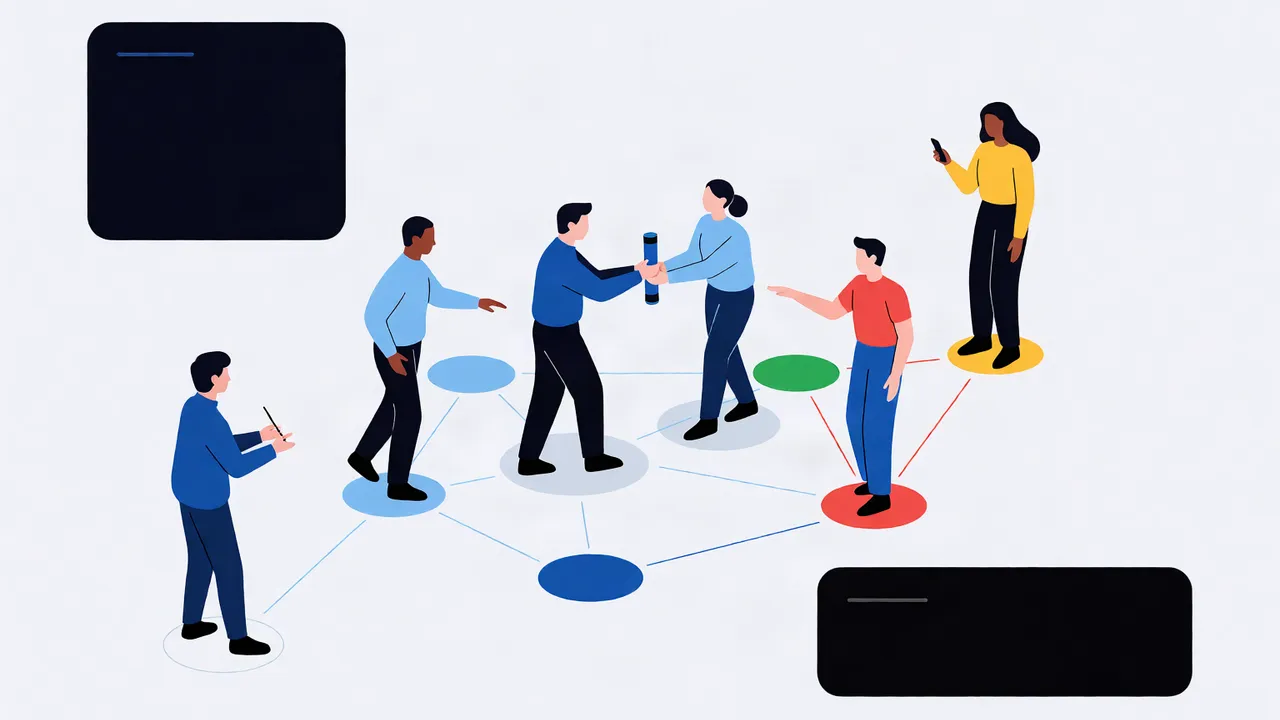
AI agent orchestration is the layer that coordinates multiple agents — their state, context, handoffs, and guardrails — so the whole system behaves predictably, auditably, and within budget. In 2026 the frameworks have matured, but the hard problems are still the same three: state, determinism, and cost — and a five-agent pipeline can burn 50,000+ tokens per run if you pass full context between handoffs. If you are building anything beyond a single-agent demo, orchestration is not optional; it is the difference between a prototype and a product.
Key takeaways:
- Orchestration is about coordination, not just calling agents in sequence — state, context, and control flow are the real work.
- Four patterns dominate: sequential, hierarchical, event-driven, and hybrid; pick by failure mode, not fashion.
- LangGraph, CrewAI, OpenAI Agents SDK, and Mastra all work; the choice is about state model and control, not hype.
- Human-in-the-loop is a first-class architectural concern, not a bolt-on — authorization gates belong in the graph.
- Deterministic replay is the cheapest reliability feature you can buy: zero LLM calls on replay.
What is AI Agent Orchestration and Why Does it Matter Now?
AI agent orchestration is the practice of coordinating multiple AI agents — deciding which agent runs when, what context it receives, how its output flows to the next step, and what happens when something fails. IBM's explainer on AI agent orchestration frames it as the "conductor" layer that turns a collection of specialized agents into a single coherent system.
Why now? Because single agents hit a ceiling. One agent with one context window cannot reliably do a 40-step task that spans a database, a browser, an email client, and a payment API. GitHub's overview of AI agent orchestration makes the point plainly: orchestration exists because real workflows decompose into subtasks, and subtasks need handoffs.
The mistake I see most often is treating orchestration as "call agent A, then call agent B." That is a script, not an orchestration. The difference shows up the first time agent B needs context that agent A produced three steps ago, or the first time a run fails halfway and you have to figure out what actually happened.
What Are the Core Orchestration Patterns for AI Agents?
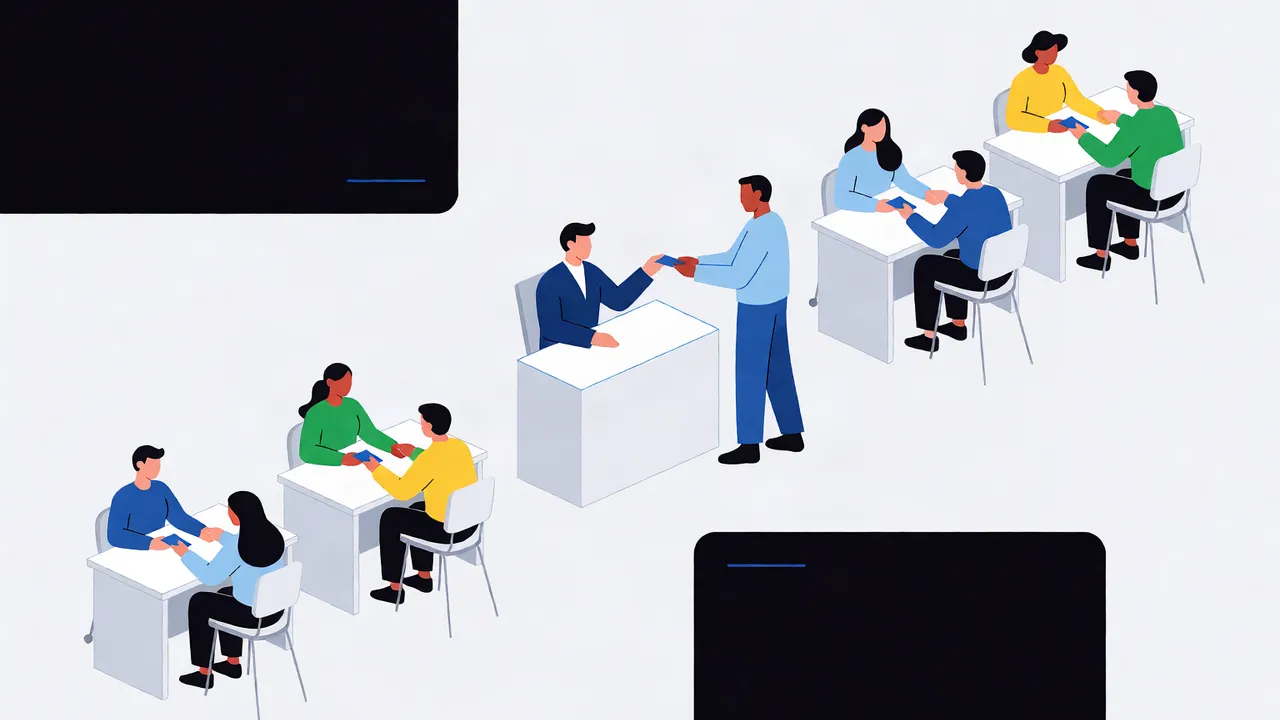
Three patterns cover most production systems: sequential, hierarchical, and event-driven. Microsoft's Azure Architecture Center guide to AI agent design patterns documents these and their variants, and they map cleanly onto real workloads.
| Pattern | How it works | Best for | Failure mode |
|---|---|---|---|
| Sequential | Agents run in a fixed pipeline; each output feeds the next input | Document processing, data enrichment, linear workflows | One slow agent stalls the whole chain |
| Hierarchical | A supervisor agent delegates subtasks to workers and aggregates results | Research, multi-step planning, anything with subgoals | Supervisor becomes a bottleneck and single point of failure |
| Event-driven | Agents react to events or messages; no fixed order | Monitoring, ingestion, real-time pipelines | Harder to reason about; needs a broker and idempotent handlers |
My rule of thumb: start sequential, add hierarchy only when a task genuinely decomposes into independent subtasks, and reach for event-driven only when you have a real event source. Most teams over-engineer the pattern before they have measured the workload.
Which AI Agent Orchestration Framework Should You Pick in 2026?
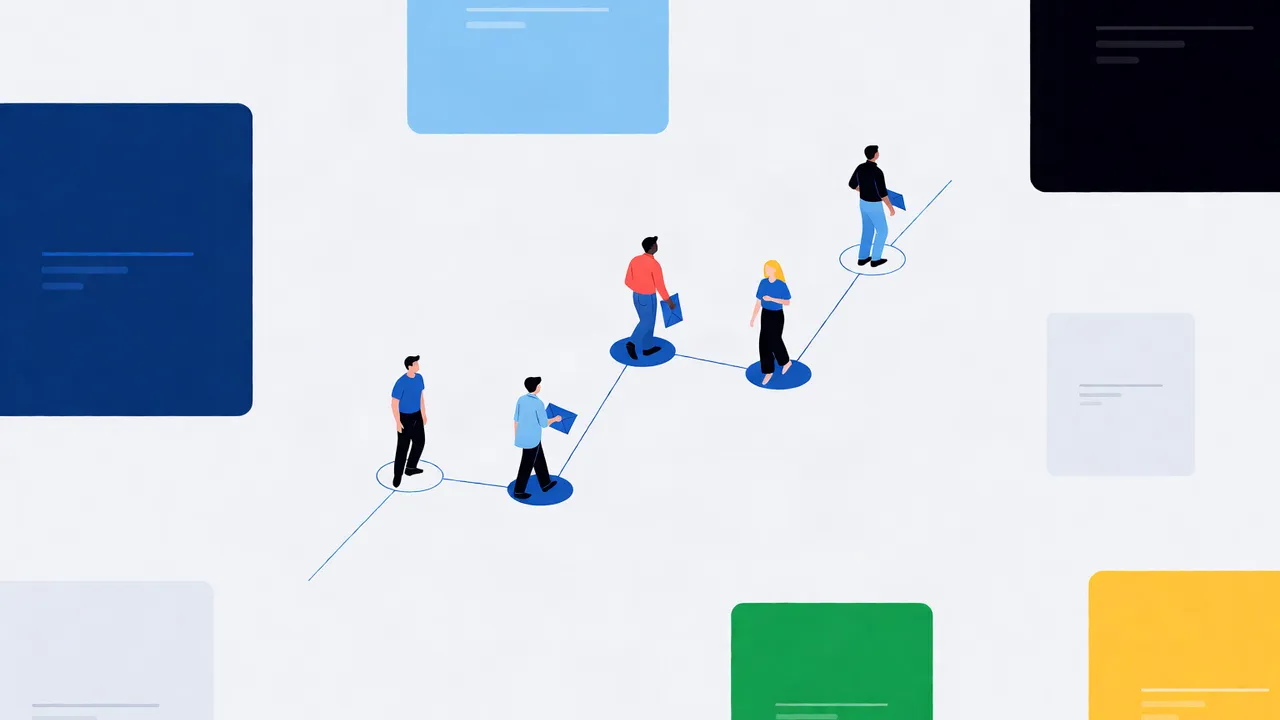
The four frameworks I actually see in production are LangGraph, CrewAI, OpenAI Agents SDK, and Mastra. They are not interchangeable — the differences are in state model and control.
| Framework | Language | State model | Control style | Best fit |
|---|---|---|---|---|
| LangGraph | Python | Explicit graph with checkpoints | Fine-grained, low-level | Complex stateful workflows needing determinism |
| CrewAI | Python | Role-based crews with shared memory | Higher-level, opinionated | Rapid prototyping, role-oriented teams |
| OpenAI Agents SDK | Python/TS | Handoffs between agents | Lightweight, minimal | Simple multi-agent chains, quick starts |
| Mastra | TypeScript | Workflow primitives + agents | Structured, typed | TypeScript shops wanting one framework |
I reach for LangGraph when I need checkpoints and deterministic replay, because its graph model makes state explicit. I reach for Mastra when the team is TypeScript and wants typed workflows. I avoid CrewAI for anything where I need fine-grained control over state, because its abstractions hide too much.
The honest answer: the framework matters less than your state model. Every framework will punish you equally if you do not design the state transitions up front.
How Do You Manage State and Context Across Multiple Agents?
State is the thing that breaks multi-agent systems. Each agent has its own context window, but the system needs shared state — the order ID, the user's intent, the intermediate results — that survives across handoffs.
Three mechanisms matter:
- Shared memory: a store (Redis, Postgres, or in-memory) that agents read and write. Keep it schema'd; unstructured shared state is how bugs breed.
- Checkpoints: persist the full graph state at each node so a failed run can resume, not restart. This is where LangGraph's checkpointing earns its keep.
- Context pruning: do not pass the entire history to every agent. Pass the summary plus the specific slice each agent needs. Token costs compound across agents.
The failure I see constantly: agent B receives the full transcript of agent A's 20,000-token reasoning chain, then spends half its context re-deriving the conclusion. Prune aggressively. If you are debugging state issues in browser-based agents, my playbook on debugging AI agents in browser environments covers the tracing patterns that make this tractable.
How Do You Implement Human-in-the-Loop Control and Authorization?
Human-in-the-loop is not a feature; it is an architectural constraint. Every step that touches an account, a payment, or a destructive action needs an approval gate, and the gate must be in the graph — not bolted on after the fact.
Design it as a node: the agent produces a proposed action, the workflow pauses, a human approves or rejects, and the workflow resumes with the decision recorded. Authorization is separate from approval — the agent must prove it has the right to act on a resource before the action is proposed. My guide to human-in-the-loop for AI browser agents walks through the authorization flow in detail.
The rule I enforce: no agent ever acts on a user's account without an explicit, logged authorization event. That single rule has saved me more production incidents than any retry logic.
How Do You Ensure Deterministic Replay and Auditability?
Deterministic replay is the mechanism that makes auditability possible. If a run is compiled once and replayed deterministically, the replay makes zero LLM calls — it re-executes the recorded steps, so you can inspect exactly what happened without spending tokens or risking a different model output.
This matters for two reasons. First, debugging: when a run fails, you want to reproduce it exactly, not approximate it with a fresh model call. Second, compliance: auditors want to know what the system did, in what order, and why. A replay log answers that; a chat transcript does not.
Practical auditability checklist:
- Every step logs a trace ID, the agent, the input, the output, and the model version.
- Every human decision is logged with the approver and the timestamp.
- Replays are byte-identical to the original run — if they are not, your replay is broken.
My article on cutting AI agent costs with deterministic replay and caching covers the cost side; the auditability side is the same mechanism wearing a different hat.
What Does Multi-Agent Orchestration Actually Cost — and How Do You Cut It?
Cost in multi-agent systems is not linear. Every handoff can multiply tokens: agent A's output becomes agent B's input, and if you pass full context, the bill grows with the square of the pipeline length.
The arithmetic is simple. A single agent call on a complex task might consume 10,000 tokens. A five-agent pipeline where each agent receives the full prior context can consume 50,000+ tokens per run — before you count retries. The levers:
- Prune context at every handoff. Pass summaries, not transcripts.
- Cache deterministic steps. If a step is deterministic (a lookup, a replay), it should cost zero LLM tokens.
- Replay instead of re-run. Failed runs resume from checkpoints, not from scratch.
- Batch independent agents. Run parallel agents concurrently to cut wall-clock time, not just cost.
The biggest lever is the one most teams skip: make the common path deterministic. If 80% of your runs follow a known pattern, compile that path once and replay it. My cost-cutting guide on deterministic replay and caching shows the mechanism in detail.
How Do You Scale AI Agent Systems in Production?
Scaling is about concurrency and idempotency, not about adding more agents. The questions that matter: how many runs can you execute in parallel, and what happens when a run is retried?
Three things I insist on:
- Idempotent steps. Every step must be safe to re-run. If a step sends an email, it needs a dedupe key.
- Queues, not threads. Put runs on a queue with a worker pool; do not spawn unbounded concurrency. My guide to concurrent AI agent workflows in browser environments covers the browser-specific version of this.
- Rate limits with backoff. Every model provider has limits; your orchestrator must respect them or your pipeline thrashes.
The scaling failure I see most: teams add agents to handle load instead of adding queue depth. More agents on the same bottleneck just makes the bottleneck slower.
If you are building orchestrated agents that touch the browser — scraping, form-filling, logged-in workflows — the browser layer is part of your orchestration, not an afterthought. Twin Browser gives you deterministic replay and caching at the browser layer, so your orchestrated runs compile once and replay with zero LLM calls. That is the difference between a system that costs per run and one that costs per change.
FAQ
What is the difference between AI agent orchestration and a simple workflow?
Orchestration manages state, context, and handoffs between multiple agents, with guardrails and auditability. A simple workflow just calls agents in sequence — it breaks the moment an agent needs context from a previous step or a run fails midway.
Which AI agent orchestration framework is best in 2026?
There is no single best. LangGraph suits complex stateful workflows needing checkpoints; Mastra suits TypeScript teams; OpenAI Agents SDK suits lightweight chains; CrewAI suits rapid role-based prototyping. Pick by your state model and control needs, not by popularity.
How do you handle state management for AI agents?
Use a shared, schema'd store for cross-agent state, checkpoint the full graph state at each node so runs can resume, and prune context aggressively at every handoff so agents receive summaries, not full transcripts.
How do you audit multi-agent workflows?
Log a trace ID, agent, input, output, and model version for every step; log every human decision with approver and timestamp; and use deterministic replay so any run can be reproduced byte-identically without new LLM calls.
How much does multi-agent orchestration cost?
Cost grows with context passed between agents — a five-agent pipeline passing full context can consume 50,000+ tokens per run. Cut it by pruning context at handoffs, caching deterministic steps, and replaying instead of re-running.
Topics
AI agent orchestration · multi-agent systems architecture · AI workflow orchestration patterns · state management for AI agents · human-in-the-loop orchestration · AI agent coordination frameworks · auditing multi-agent workflows · cost of multi-agent orchestration